Bad input never takes your channels down.
The Alteox Media Server is built for one thing first: robustness. Malformed or unusual input never crashes the process and never affects other channels — with NVIDIA transcoding, smart input failover, clustering and a web UI on top.
7 days, all Pro features, one server. Once per company e-mail domain.
- SRT caller / listener
- UDP / RTP multicast
- HTTP MPEG-TS
- HLS (TS, fMP4)
- SRT
- UDP
- HTTP MPEG-TS
- HLS (CMAF)
- DASH
One bad feed is one bad feed — not an outage.
Teletext oddities, broken PMTs, timestamp jumps, garbage bytes: the server is written so that none of it can crash the process or spill into other channels.
- In-house MPEG-TS demuxer and muxer; every parser is fuzz-tested and returns errors instead of failing.
- Every channel component runs with panic recovery: it is restarted, logged and counted — the other channels keep running.
- A slow viewer, a bad input or a crashing transcoder affects only itself: publishers never block, lagging consumers are dropped.
- FFmpeg runs as a separate, supervised process with restart backoff and an output-stall watchdog.
- Subtitles, teletext and SCTE-35 are re-muxed by the Go core, never by FFmpeg — their oddities cannot crash the transcoder.
Everything a live channel line-up needs
From ingest to ABR packaging, with the operations tooling around it.
Ingest: SRT, UDP, HTTP-TS, HLS
Pull and push inputs in any mix per channel, in priority order.
Outputs: SRT, UDP, HTTP-TS, HLS, DASH
Every channel can be served on every protocol at the same time.
Per-rendition outputs
Give a customer one rung of the ABR ladder — or the untranscoded source — over SRT or HTTP-TS.
NVIDIA GPU transcoding
Full GPU pipeline from NVDEC to NVENC, one FFmpeg process per channel for the whole ABR ladder.
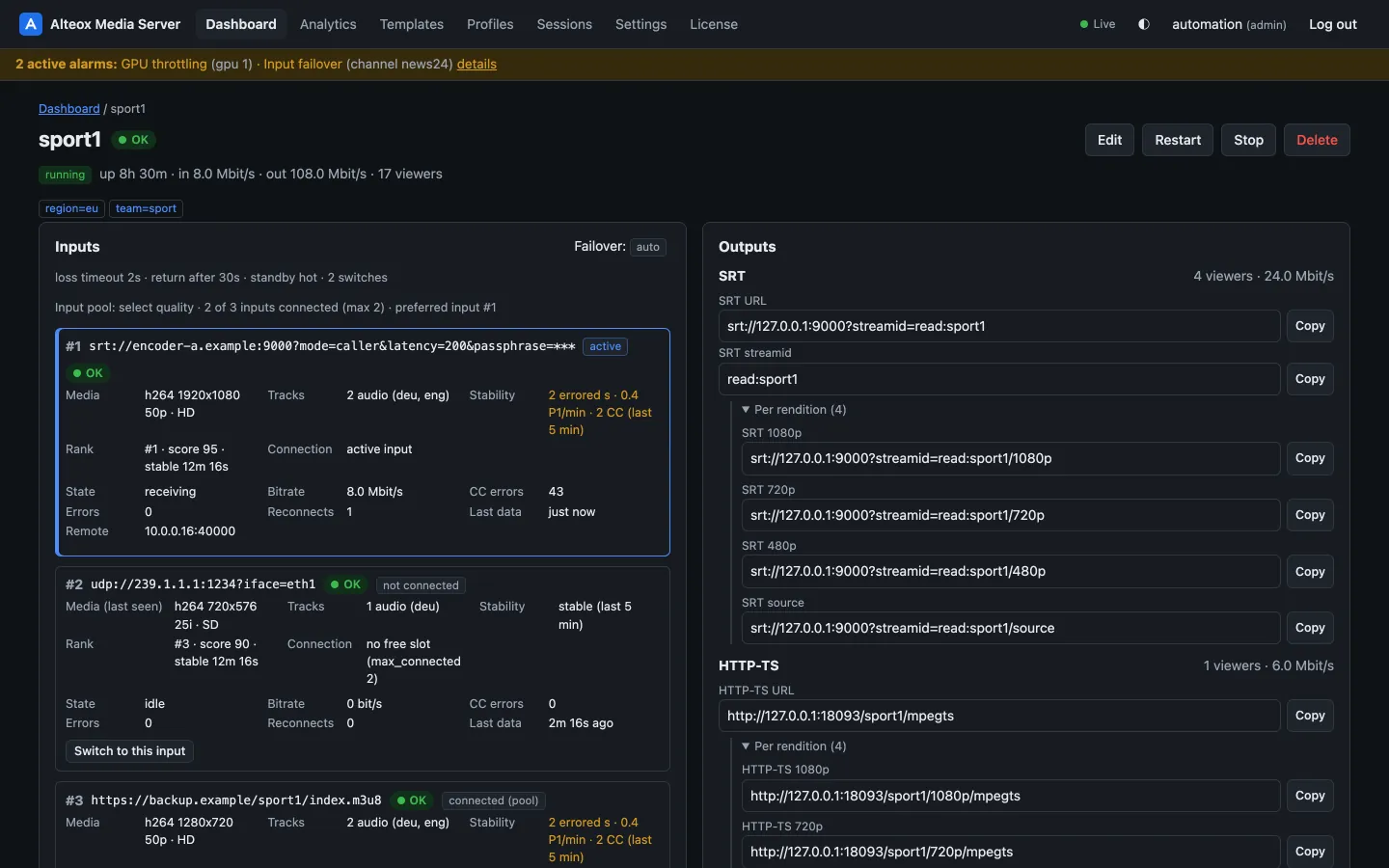
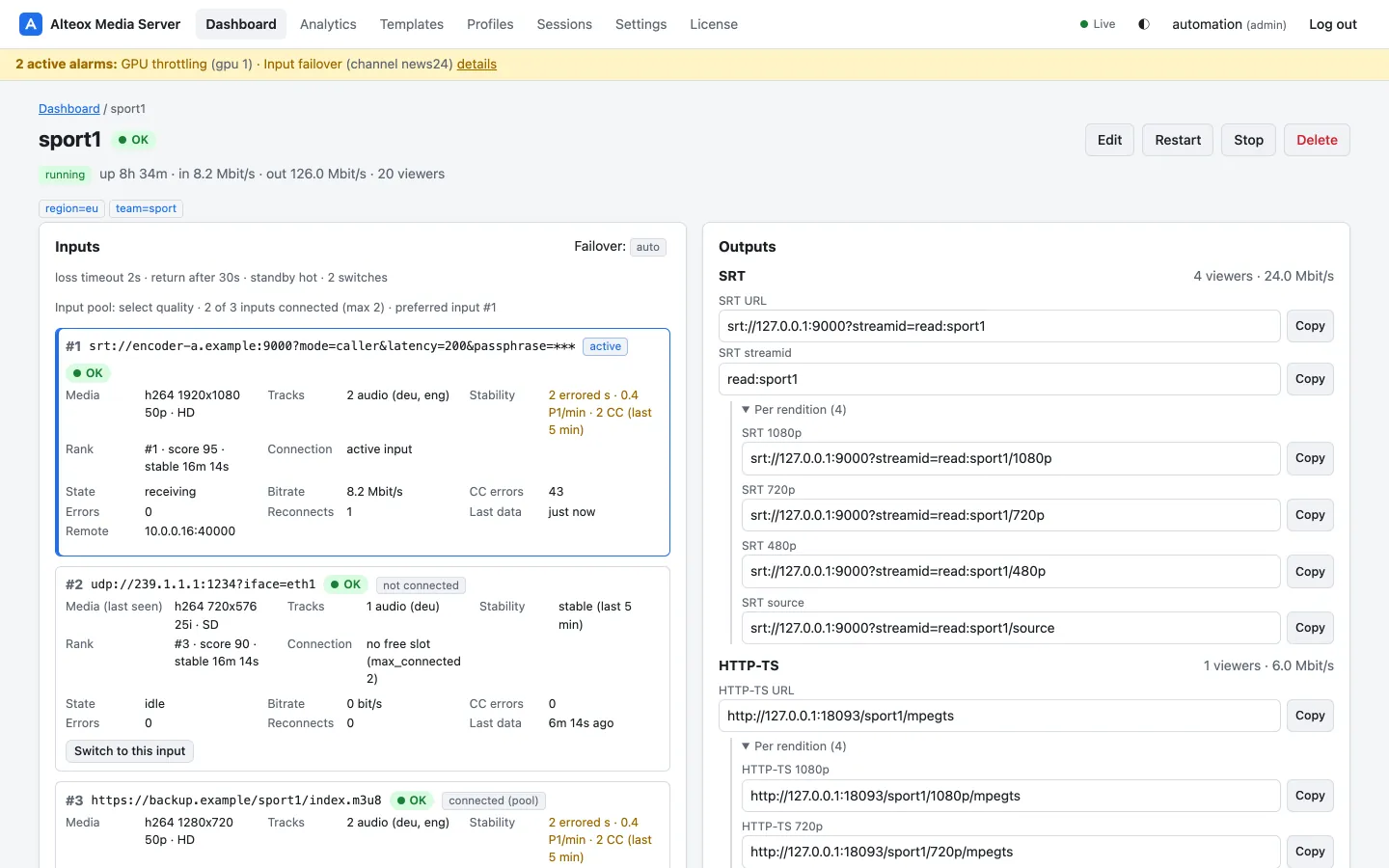
Smart input failover and input pool
Ordered backup inputs, hot or cold standby, and an input pool that picks the better source.
On-demand channels
Run a channel — or only its transcoder — while someone is watching.
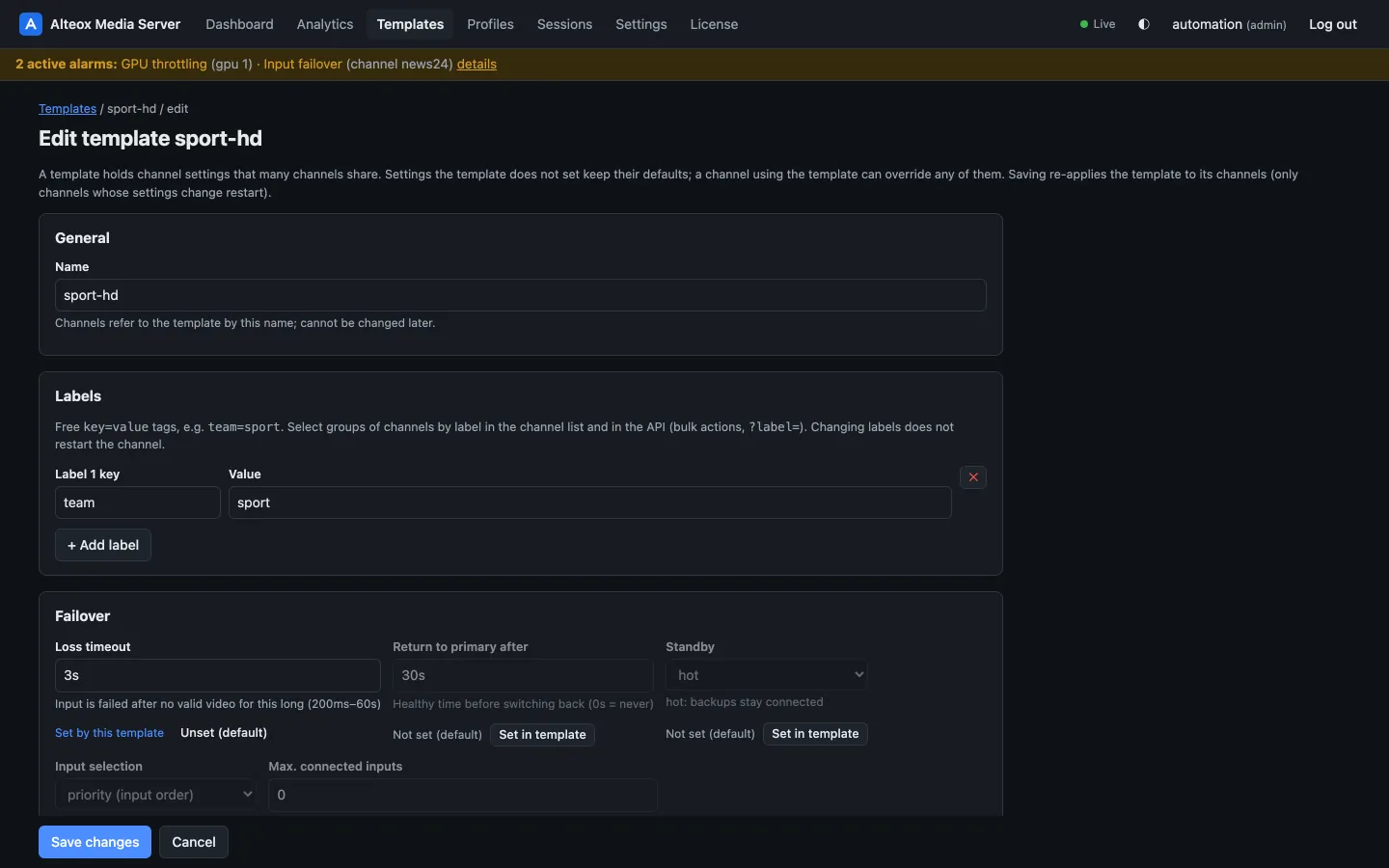
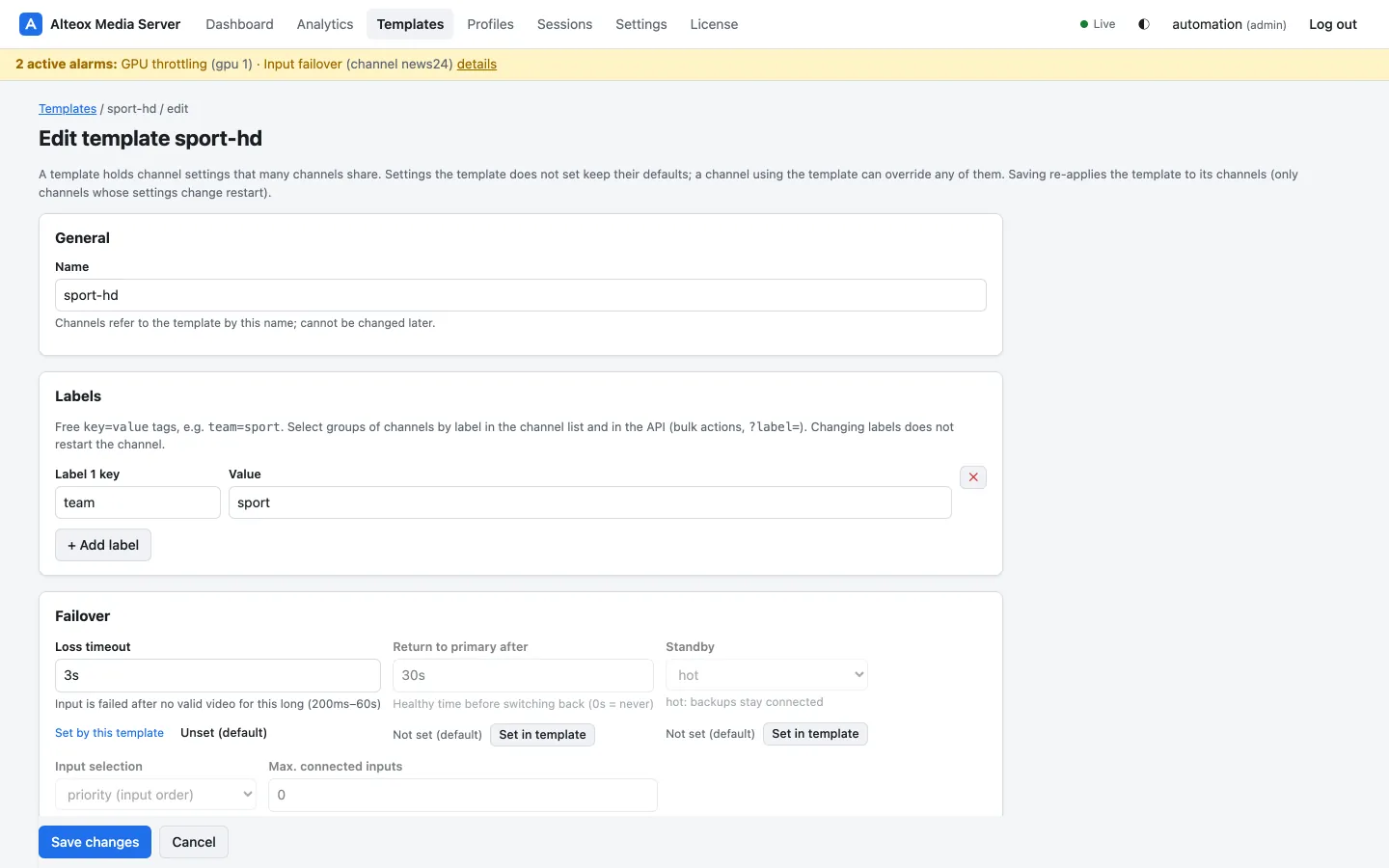
Channel templates
Shared settings for many channels; each channel stores only what it overrides.
Dynamic channels from a lookup server
Channels created on request from a configuration backend (Flussonic config_external).
Flussonic compatibility
Configuration importer, auth backend protocol, event sinks and an HTTP API v3 subset for drop-in migration.
Web UI and REST API
An embedded web UI built on a documented REST API with an OpenAPI 3.1 contract.
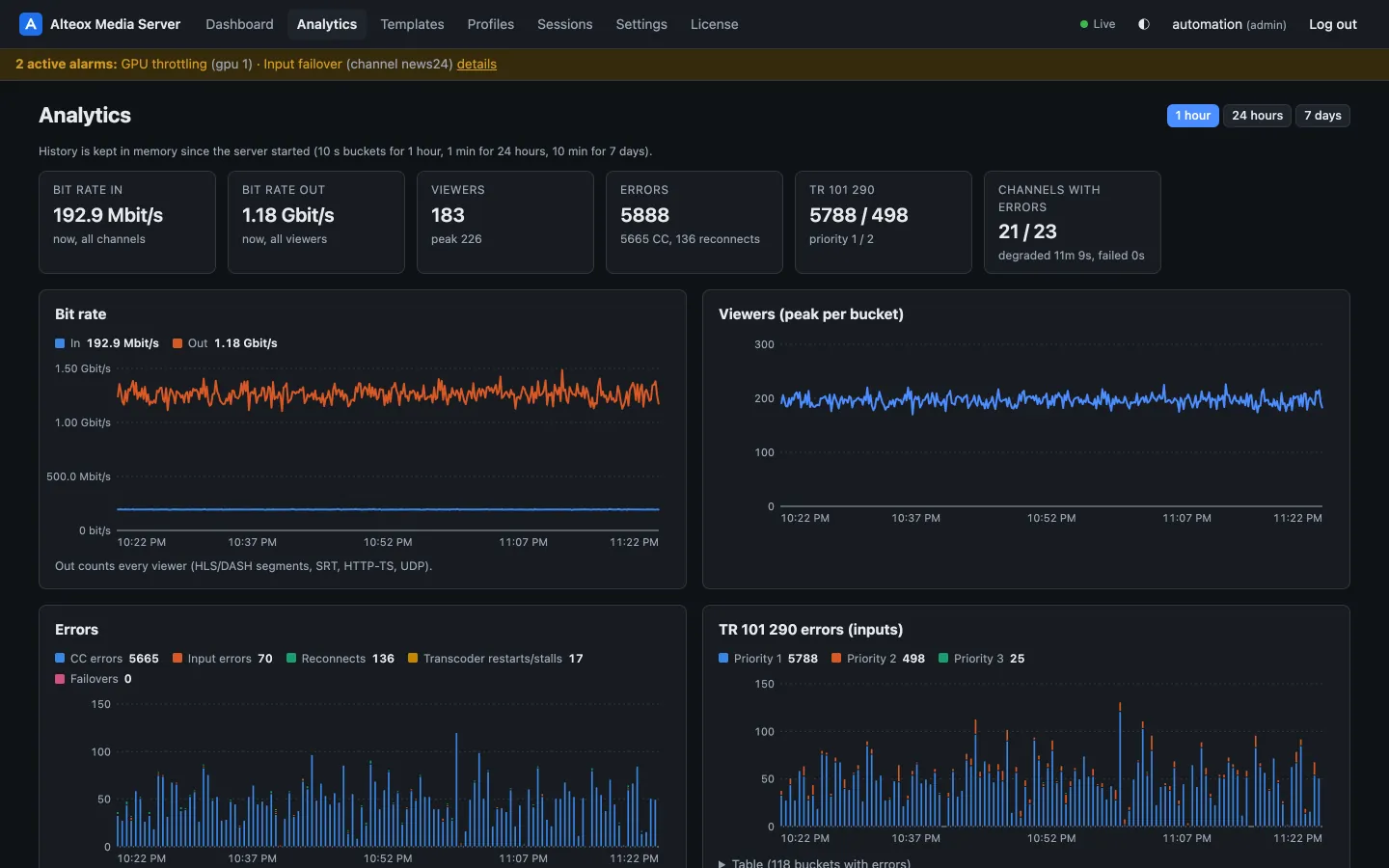
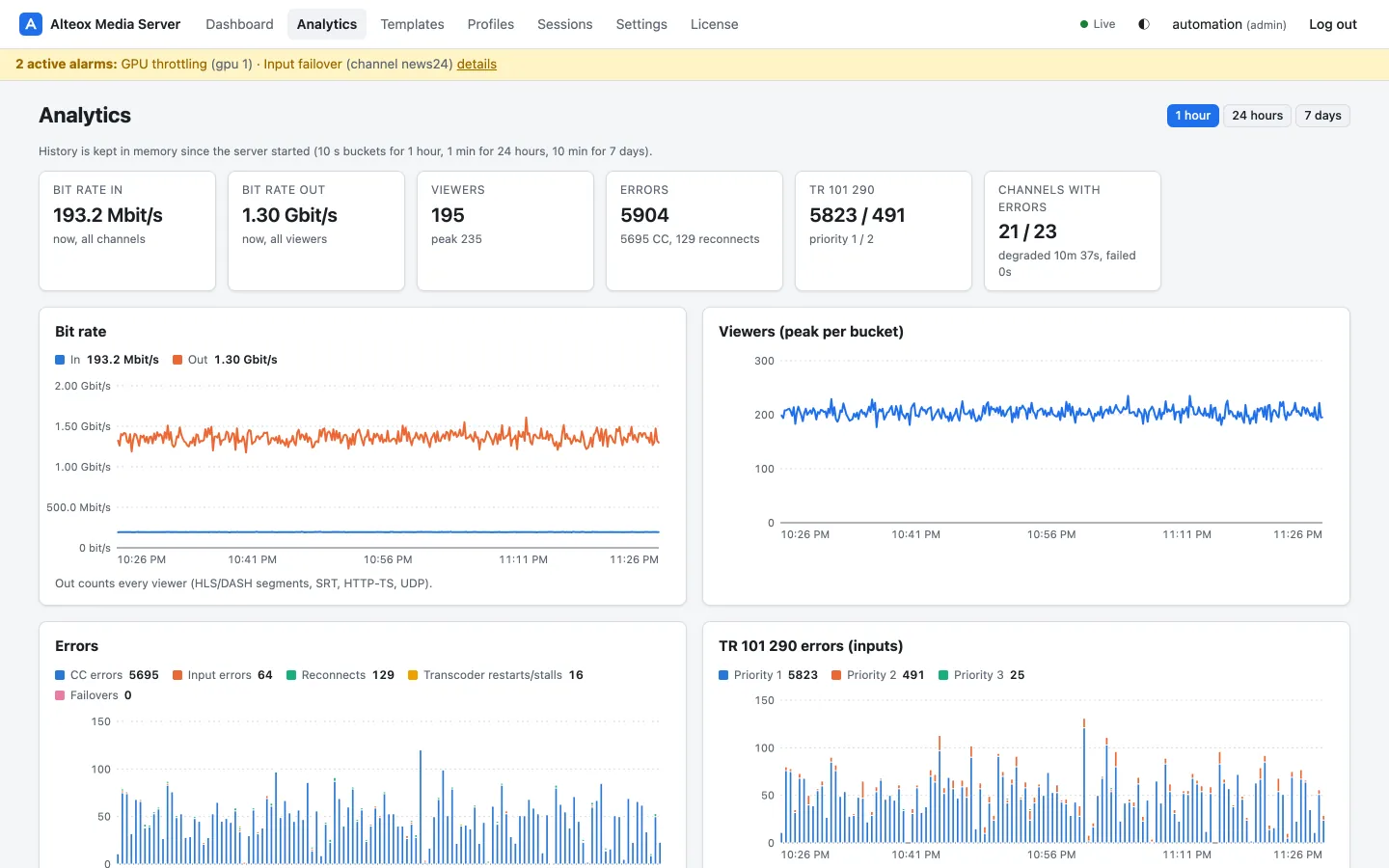
Analytics and TR 101 290
History of bit rates, viewers and errors per channel and per source, plus ETSI TR 101 290 per input.
Clustering with hot and cold standby
Raft-replicated configuration, automatic channel placement and takeover.
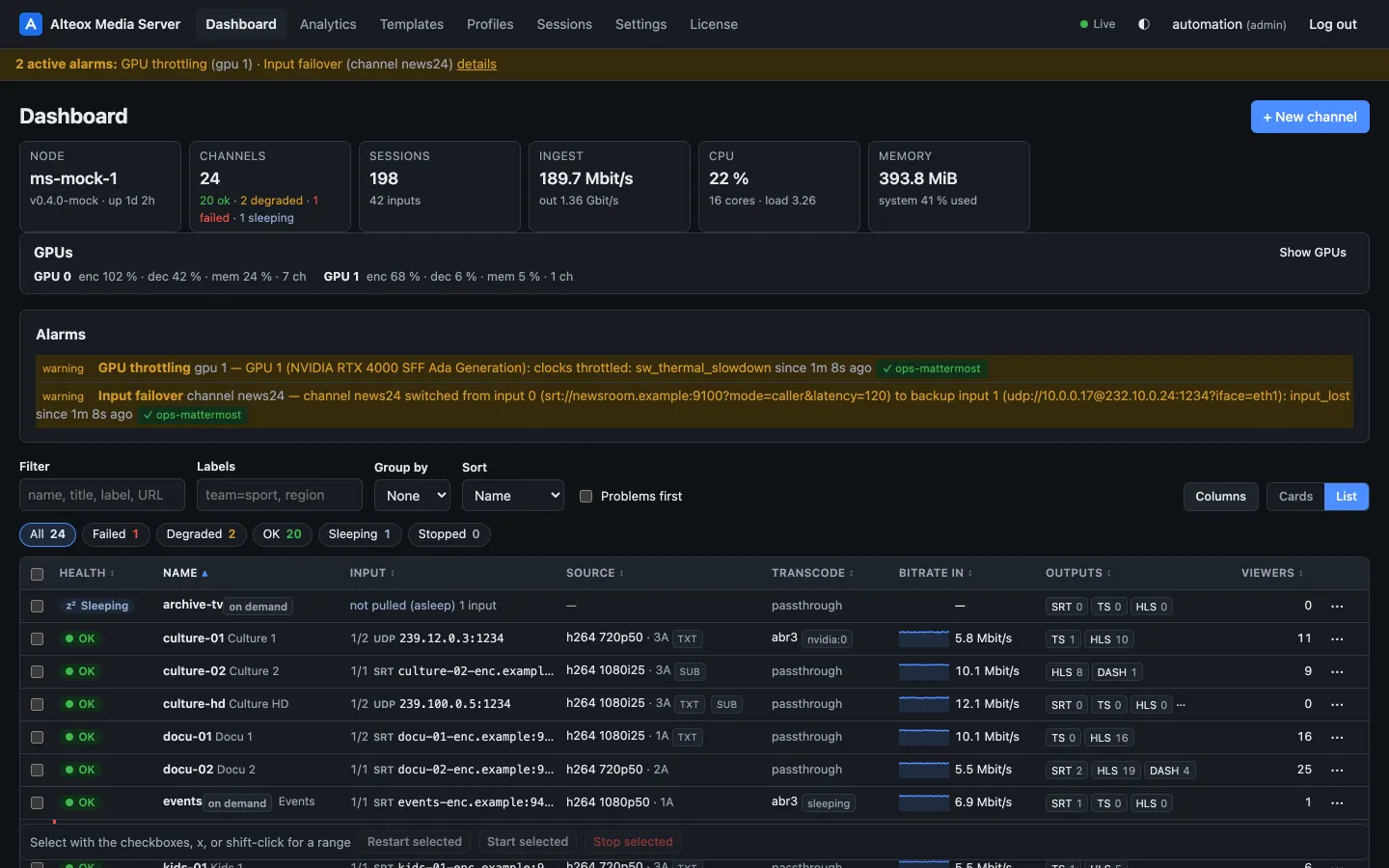
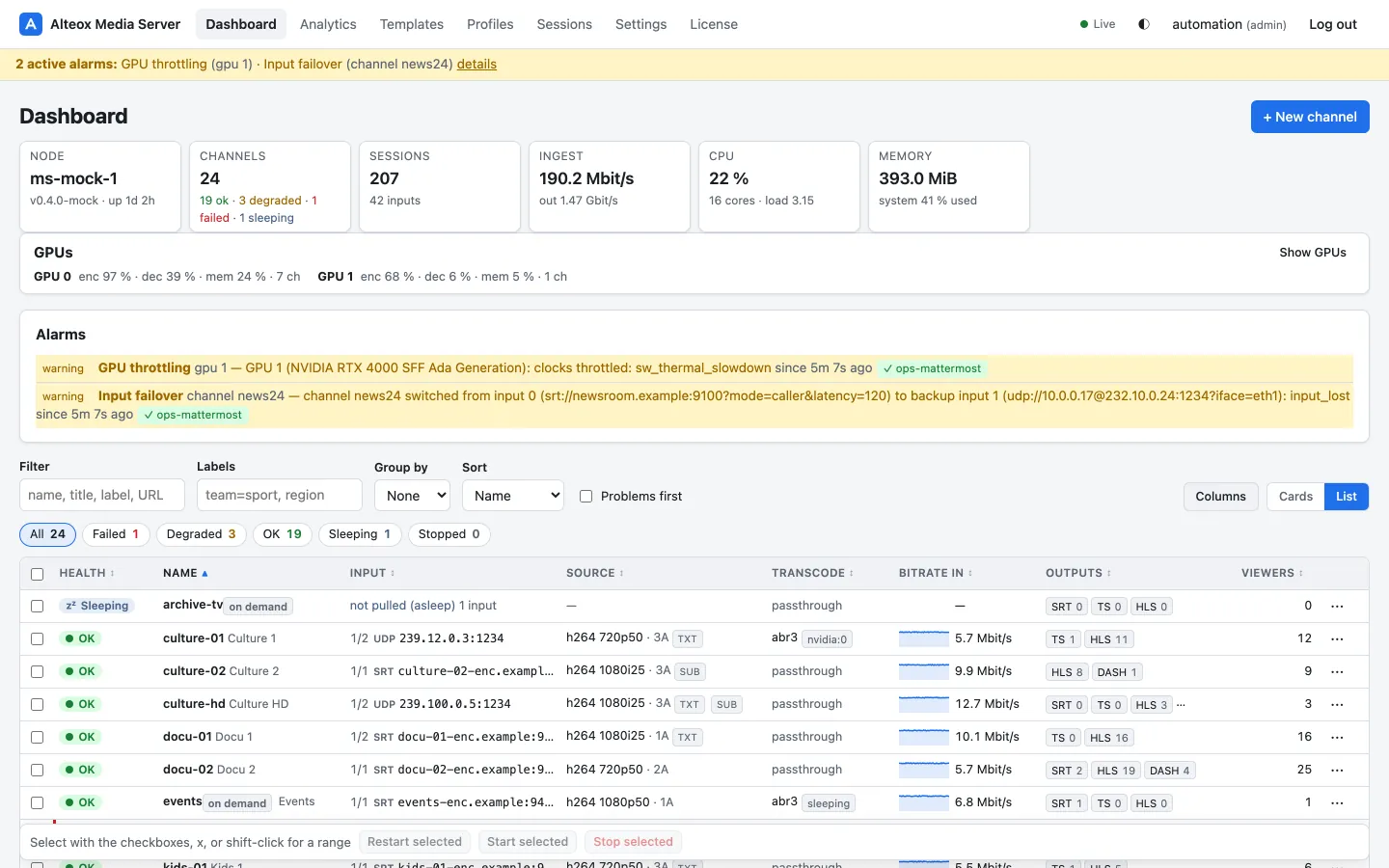
Alarms and notifications
Channel outages, failovers, transcoder crash loops, GPU and cluster alarms — to Mattermost, Slack, e-mail or a webhook.
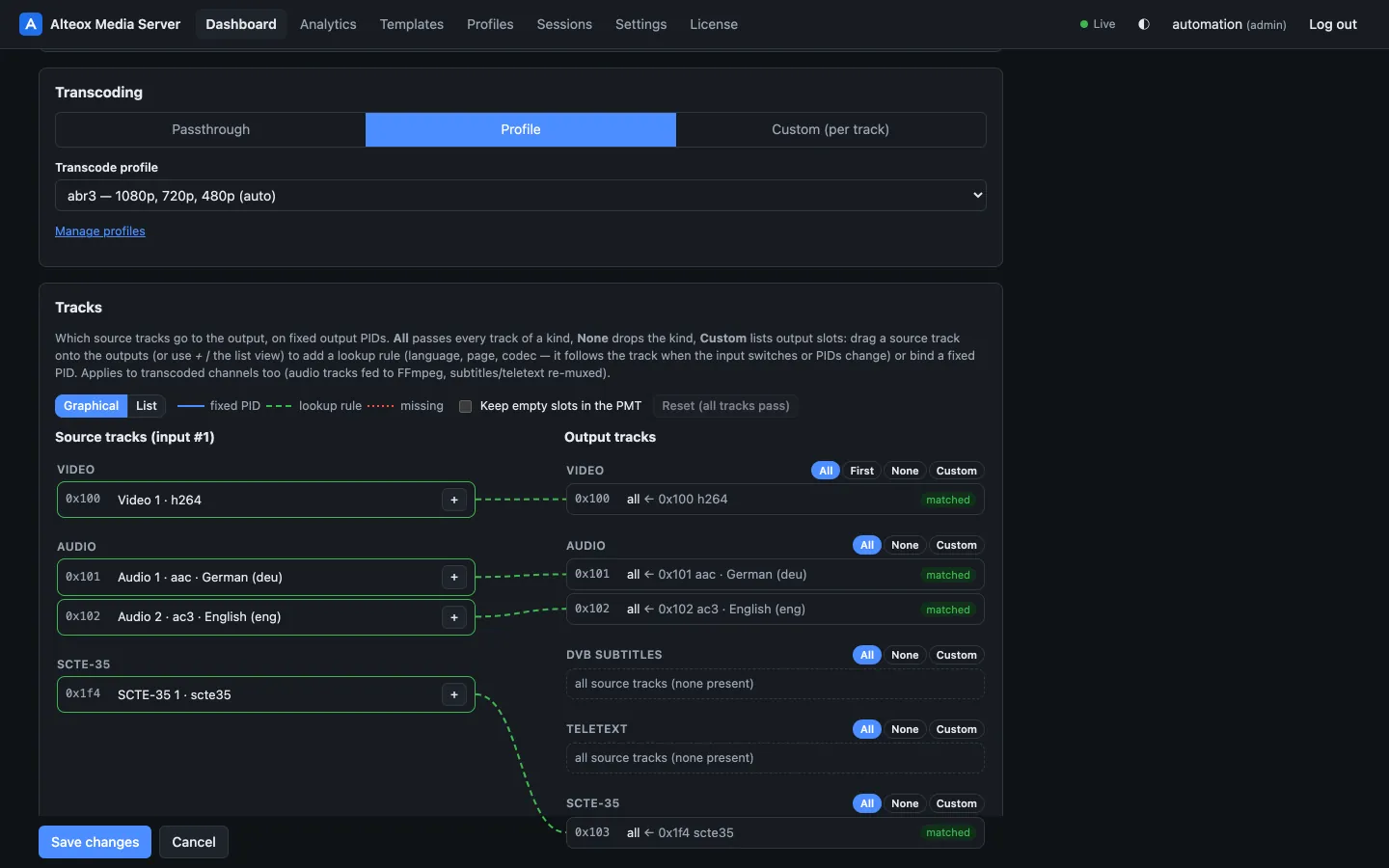
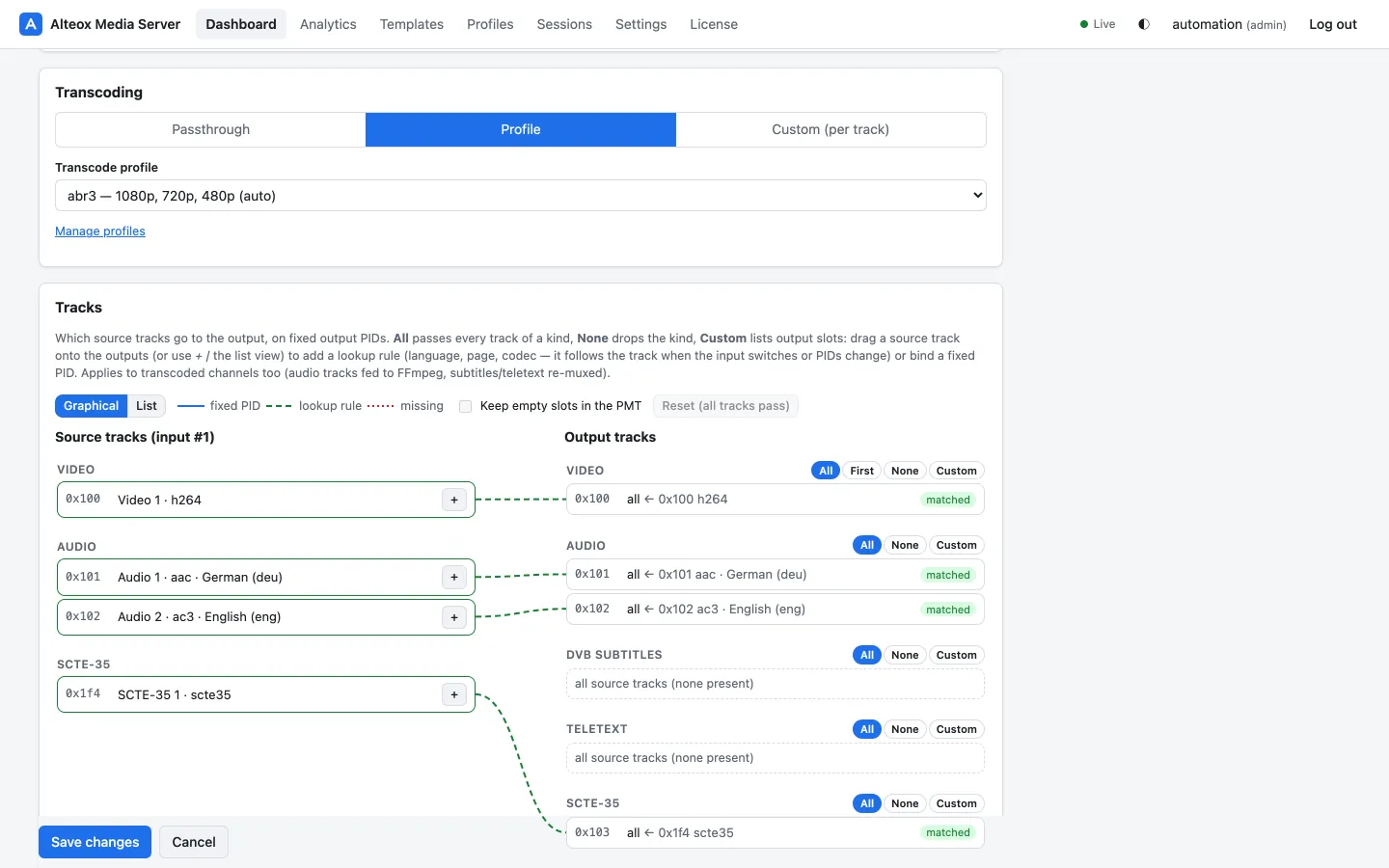
Track mapping
Choose audio, subtitle, teletext and SCTE-35 tracks by language, codec or page — on fixed output PIDs.
Access control
An external HTTP auth hook for publish and play on every protocol.
Capacity you can plan with
Field measurement on an NVIDIA RTX 4000 SFF Ada Generation (2026-10-04): a 3 renditions: 720p, 576p, 360p (H.264 NVENC) + AAC audio ladder per channel, real broadcast captures as sources, channels added until a guard stopped the ramp — measured next to another media server on the same GPU, which itself used about 22–35 % of NVENC/NVDEC.
| Source | Filters | Channels | Stopped by | GPU | NVENC | NVDEC | Memory | Power |
|---|---|---|---|---|---|---|---|---|
| 1080p50 H.264 | dynamic (no deinterlacer, no background for 16:9) | 17 | NVENC guard (85 %) | 38 % | 68 % | 54 % | 13.7 GB | 65 W |
| 1080p50 H.264 | full graph (deinterlace and background always) | 19 | NVENC guard (85 %) | 54 % | 78 % | 56 % | 15.4 GB | 68 W |
| 1080i25 H.264 | full graph | 16 | a source format change, not capacity | 48 % | 69 % | 58 % | 14.1 GB | 67 W |
Utilisation at the end of each run, including the other media server on the same GPU. Ramp: one channel added about every 90 s, stop when a transcoder falls behind real time or NVENC/NVDEC reach 85 %. Your numbers depend on sources, ladder and filters — calibrate on your hardware.
- NVENC is the limit: about 2.4–2.7 % NVENC per 3-rendition channel.
- At equal channel counts the dynamic filters cut GPU (SM) utilisation by about a quarter (17 channels: 50 % → 38 %) and save about 3 W.
- Fewer renditions, or passthrough for MPEG-TS customers, are the levers for more channels per GPU.
- Admission control keeps every GPU below its limits: a transcoder only starts where its estimated load fits.
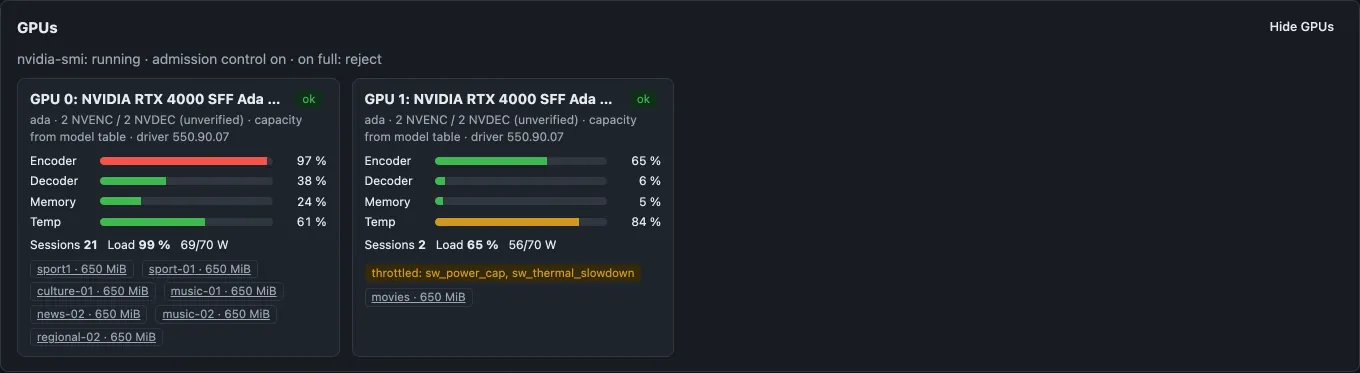
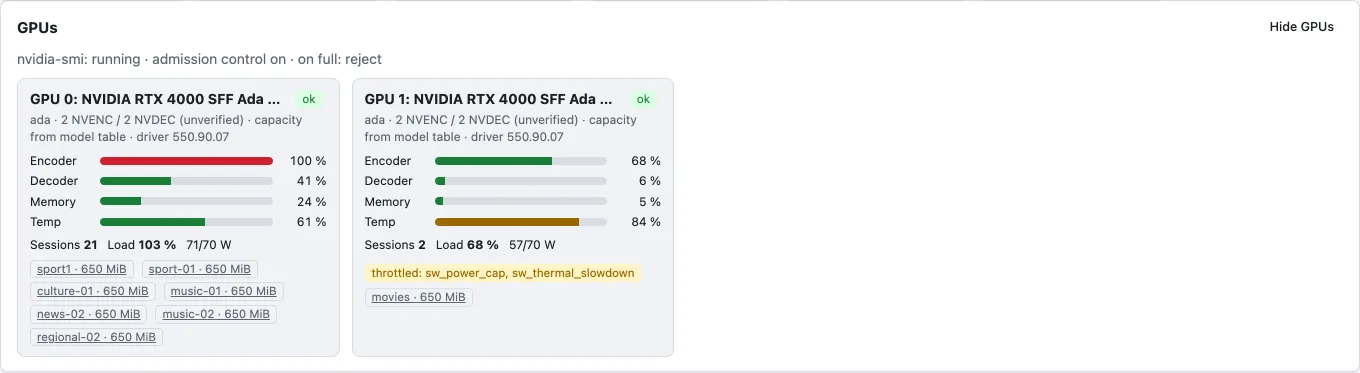
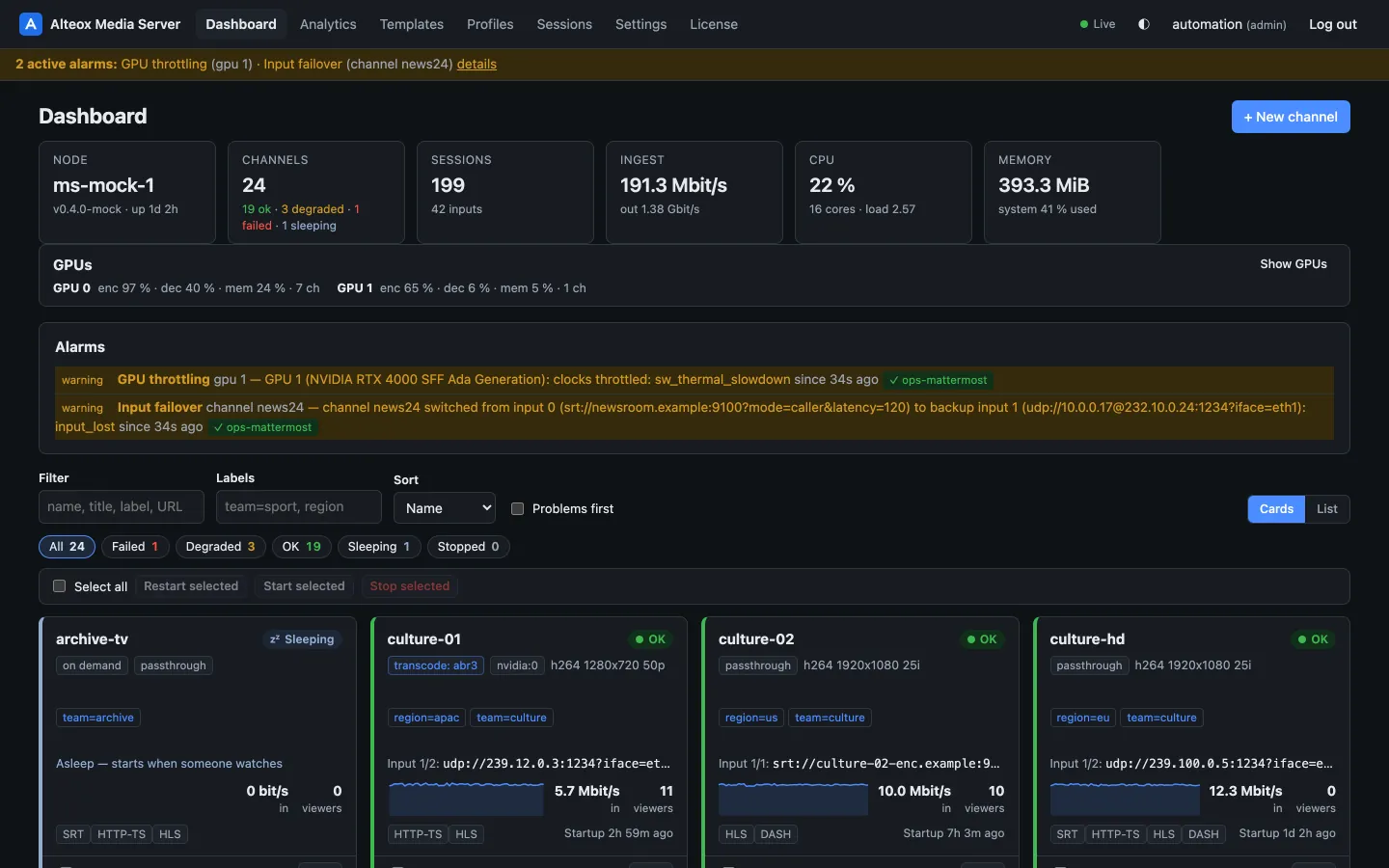
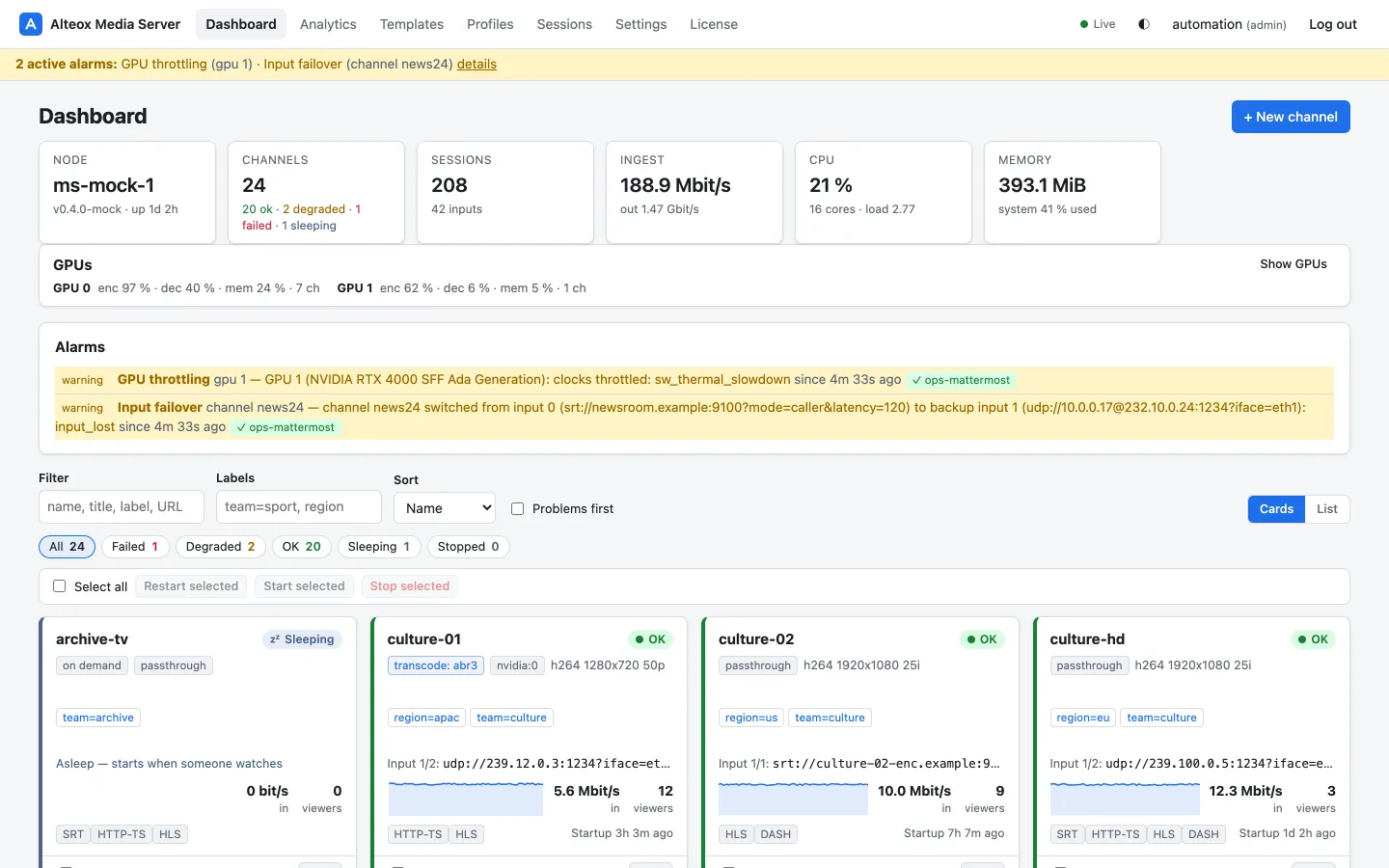
A web UI built for many channels
Every screen is backed by the documented REST API — automate whatever you click.
Bring your flussonic.conf. Keep your URLs, ports and backends.
The importer turns templates into channel templates and streams into channels, and reports every directive it maps differently. Channel names, dedicated SRT ports and passphrases stay the same; your auth backends keep working with the Flussonic protocol.
How the migration works- Importalteoxms import-flussonic — or paste the config in the web UI. Dry run first, with a report.
- ReviewWarnings for auth, skipped inputs and anything mapped differently, per stream and line.
- CompareRun both servers side by side; enable channels one by one or by label.
- Cut overMove DNS or the virtual IP. Same channel names: HLS and MPEG-TS URLs only change host and port.
Try it on your own feeds
7 days, all Pro features, one server. Register with your company e-mail address, confirm it, and copy the trial key into your server.